News
PULSAR
Pulsar Map Cards: new tools for map creators
We’re continuing to improve Pulsar Map Cards for our community!
We’ve added new features so creators have more control over the maps they share in our Discord server and new opportunities to showcase their work.
Where can you find Pulsar Map Cards?
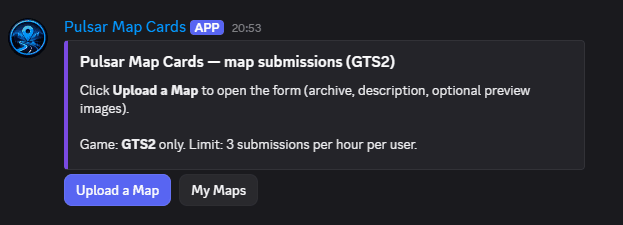
Open our official Discord server’s #maps channel, inside the Map Editor section.
There, the Pulsar Map Cards panel lets you submit maps using Upload a Map and manage your creations using My Maps. The system currently supports GTS2.
Edit and manage your own maps
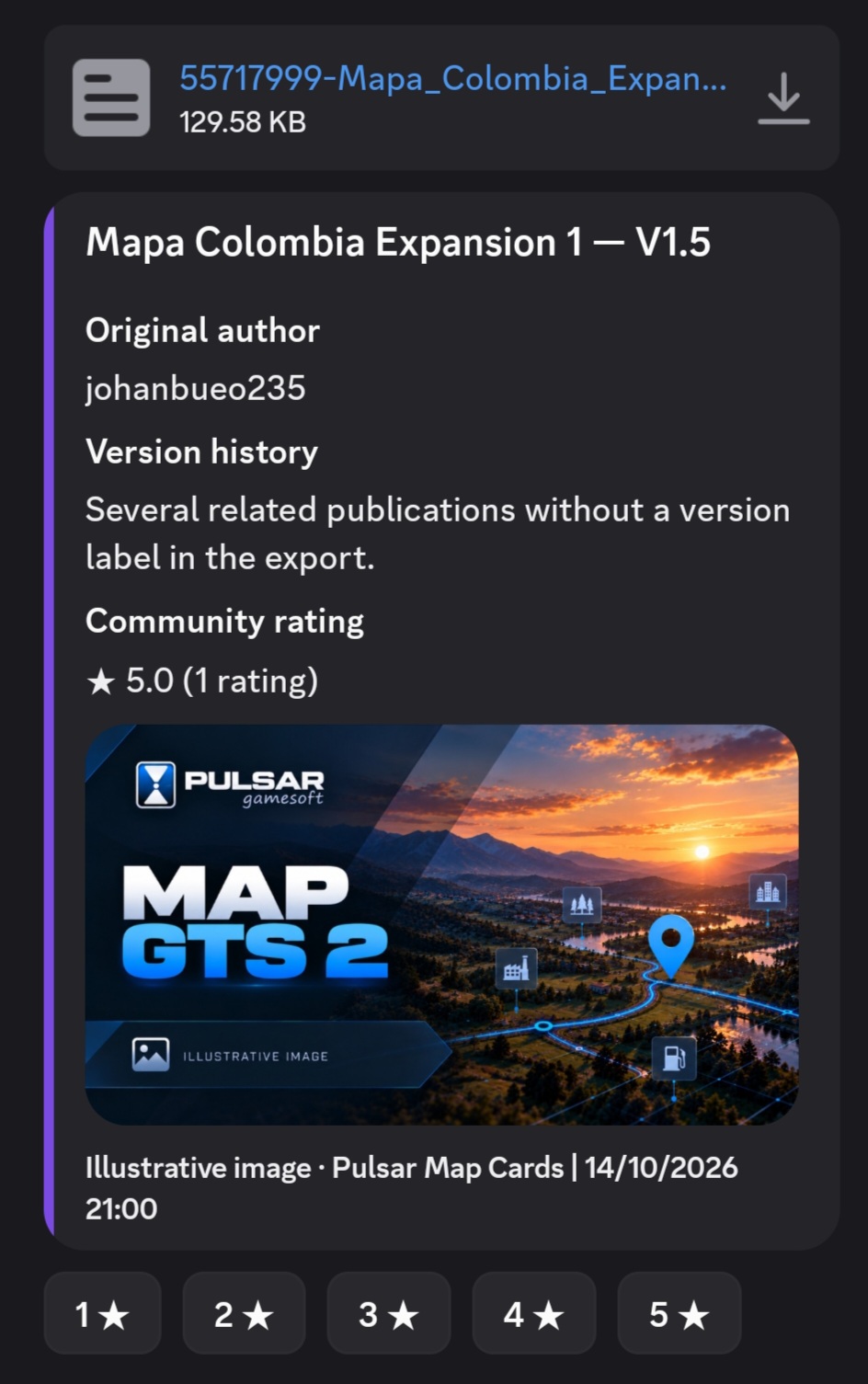
You can now use My Maps to view and manage the cards for maps you’ve submitted.
You can:
- View your maps.
- Edit the card title and description.
- Save changes without uploading the file again.
- Keep the ratings your maps have already received.
Your changes appear on the original Discord card. If an older map isn’t yet associated with your account, you can request ownership verification through Claim Map.
Your maps could appear on our official website
There’s another exciting update!
You can now use Website Permission to voluntarily allow your creations to be considered for publication on our official website.
Over the coming days, we’ll start featuring a selection of outstanding community maps on grandtrucksimulator.com.
Community ratings will be an important factor, alongside other selection criteria from Pulsar.
The choice is yours. Permission is optional, can be withdrawn, and does not mean that your map will be published automatically. You can continue sharing your maps on Discord even if you don’t authorize website publication.
A community that keeps growing
We want our players’ work and creativity to get more visibility.
These tools are another step toward recognizing the people who spend their time creating and sharing maps with the Grand Truck Simulator community.
Thank you for continuing to create and share with Pulsar!